> For the complete documentation index, see [llms.txt](https://docs.mithrl.com/llms.txt). Markdown versions of documentation pages are available by appending `.md` to page URLs; this page is available as [Markdown](https://docs.mithrl.com/knowledge-graph/mithrl-web-app.md).
# Mithrl Web App
Mithrl Web App for Biopharma Research
The Mithrl Web App provides a workspace for exploring biomedical data and knowledge-graph insights. The interface is organized around projects and each project contains uploaded data files and analysis artifacts.
**How a project works**
Inside a project, you [start a session](/getting-started/readme/mithrl-web-app-quick-start-guide.md#starting-a-new-session) and ask a scientific question in natural language ("Tell me about this dataset?"). The app can also suggest specific questions tied to the uploaded dataset, for example it suggested: "Summarize what the literature reports about T cell exhaustion trajectories and activation states that predict checkpoint blockage response in human solid tumors."
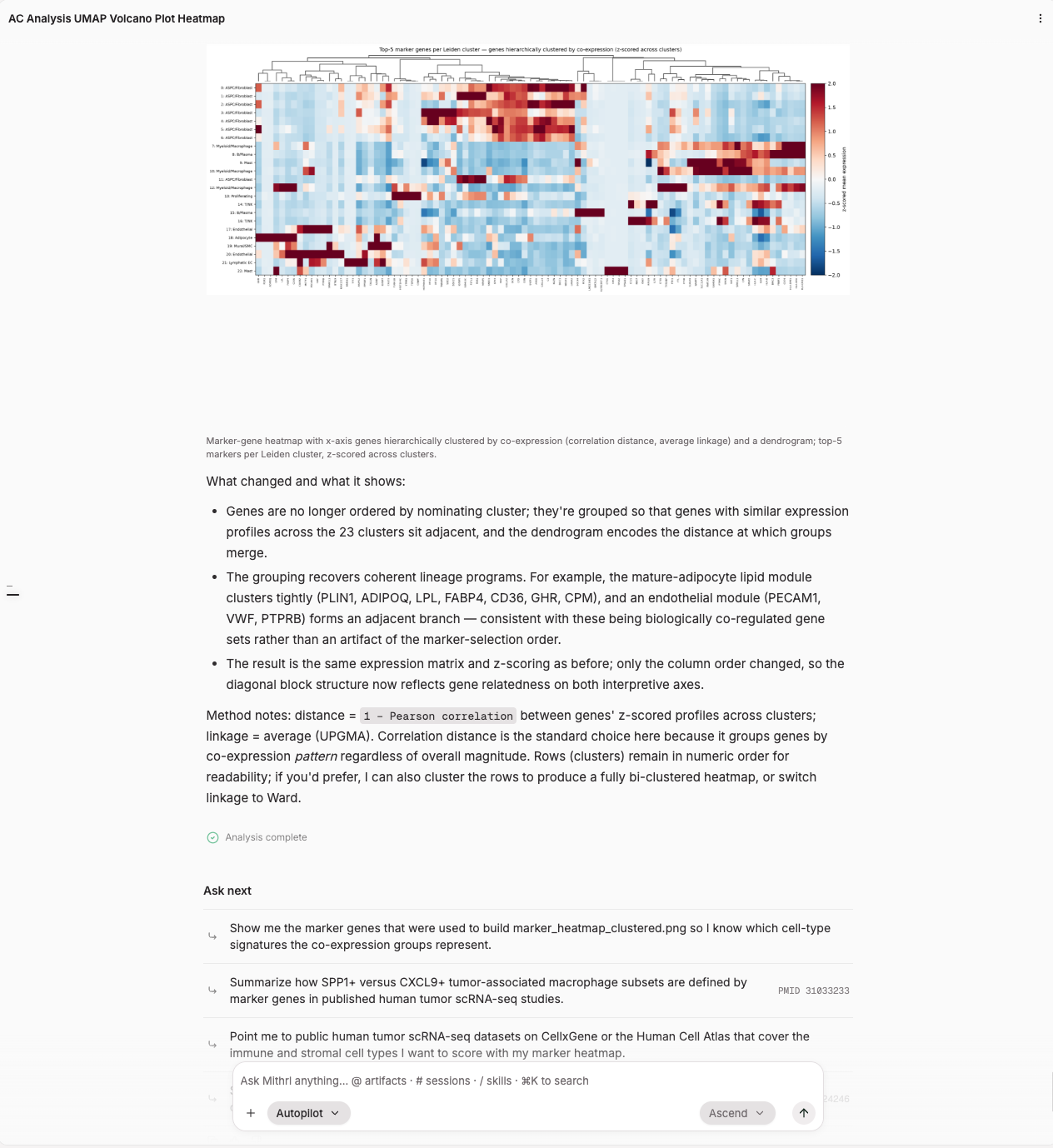
There are two operating modes visible in the input bar: **Guided** and **Autopilot**, which provide different levels of agent autonomy versus manual control.
Guided is one of two work modes in Mithrl-1's session interface, toggled alongside Autopilot. In Guided mode, "you make the decisions," meaning Mithrl-1 pauses at plan/decision points and waits for your response before continuing, following a flow of plan presentation, your approval, then next step. This allows the user to review and redirect before the execution of the plan. Using this mode will require the user's attention and while waiting for user responses, analysis could take longer.
The Autopilot mode lets the Mithrl-1 agent make the decisions resulting in fewer interruptions in the workflow but also means less user control and oversight.